01
Make the product obvious
Show what it is, who it is for, and why the page deserves another scroll.
product detail page image generator
Turn product photos and seller facts into product detail page images: an 8-image PDP story that explains value, removes doubt, proves quality, and closes with specs and packaging.
Starts by choosing product photos.
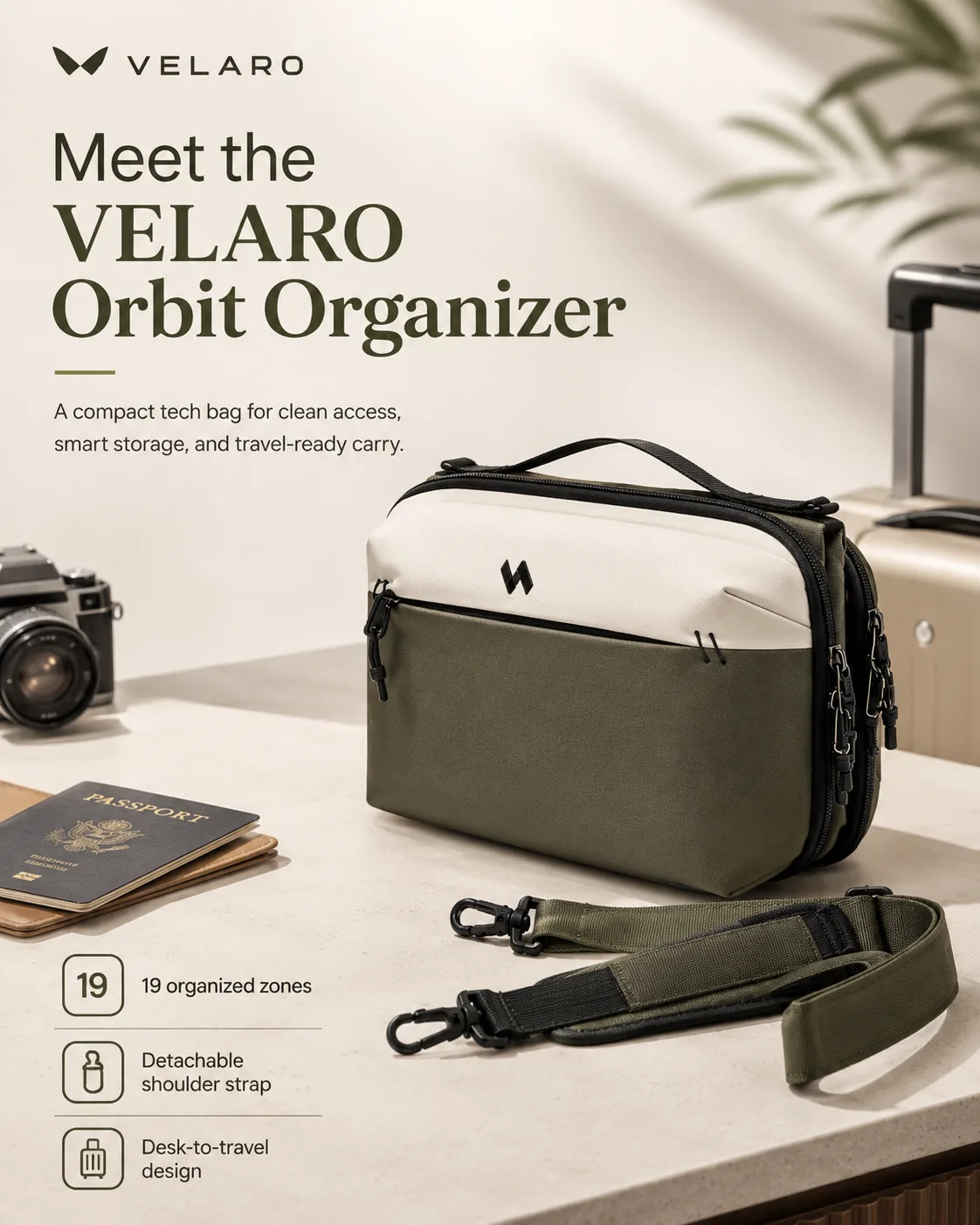
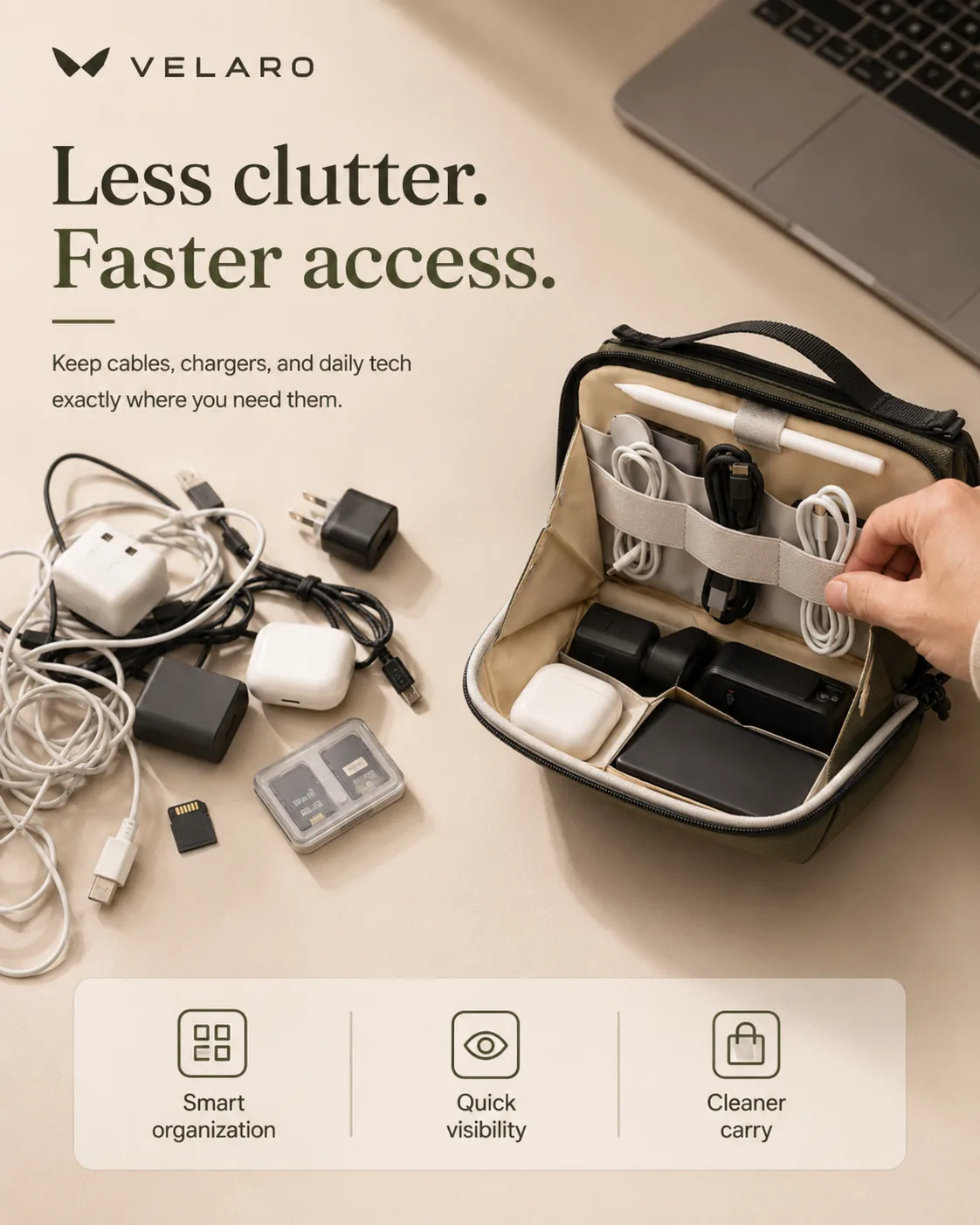
PDP story preview
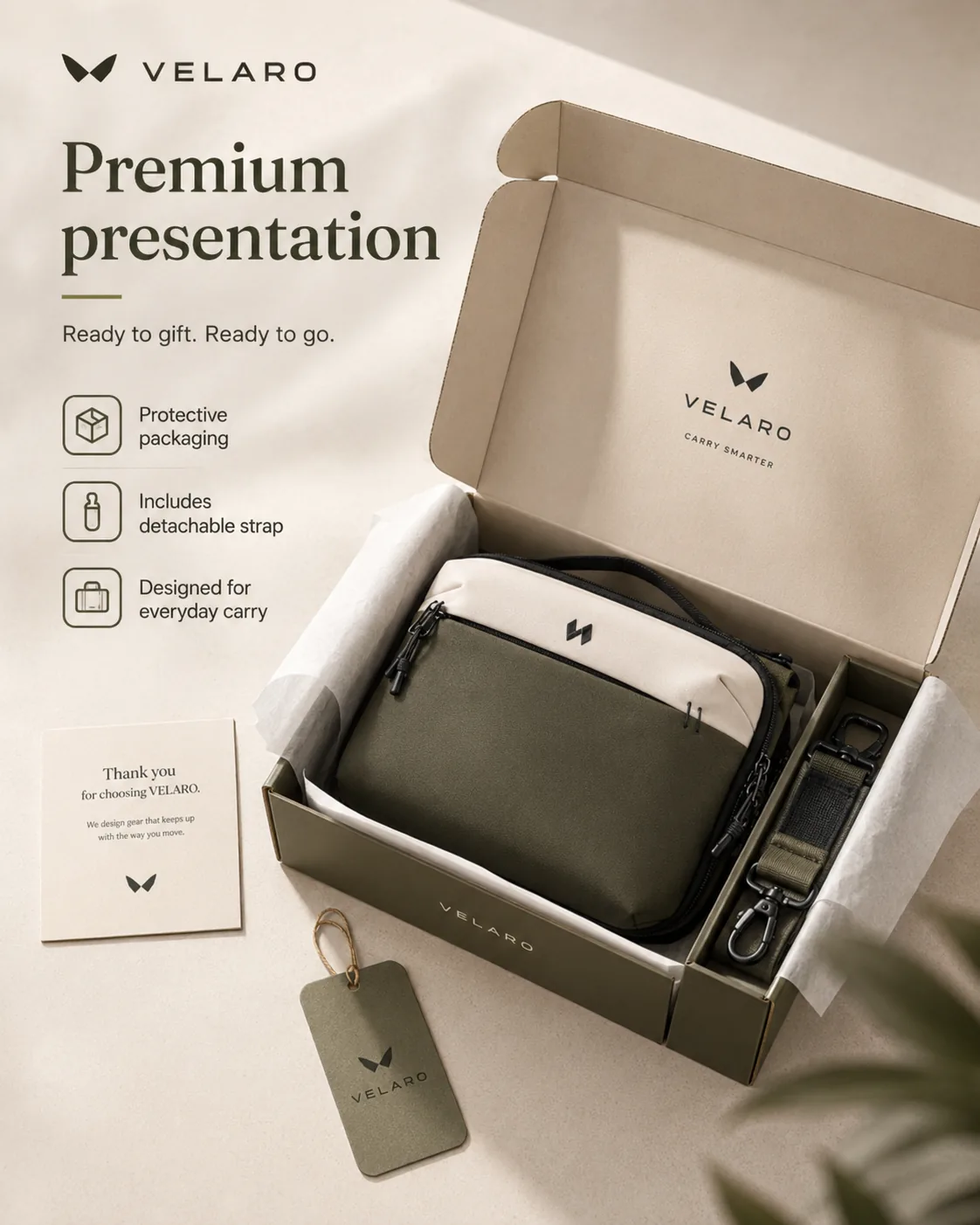

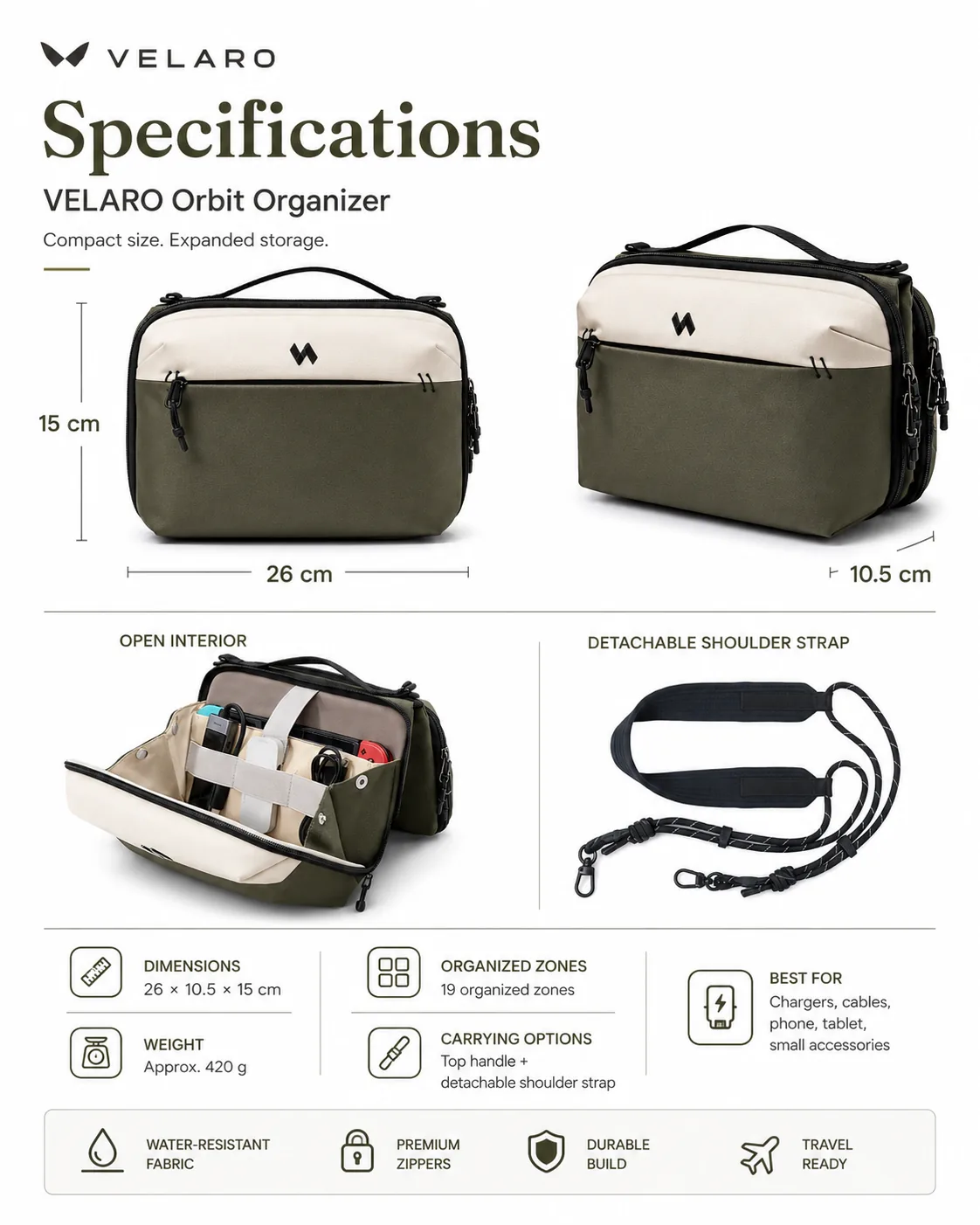
PDP story preview
8Seller facts
Travel tech organizer, cable clutter, quick access, divider layout, fabric details, daily carry, packaging contents, claims to avoid.
These facts help search engines and AI systems understand this page task, default workflow, and non-promised outcomes.
The page should sell the outcome first: buyer clarity, visible proof, mobile readability, and controlled product claims.
01
Show what it is, who it is for, and why the page deserves another scroll.
02
Cover clutter, fit, material, use, size, included items, and other doubts in sequence.
03
Use short visible copy where it helps the buyer decide, without promising guaranteed lift.
04
Specs, warranty, compatibility, certifications, and claims stay tied to seller notes.
The best PDP image modules feel like a sales page: establish the product, surface the pain, show the solution, prove quality, place it in context, show use, close with facts and packaging.
01 / 08
Buyer hesitation
What is this product and why should I keep reading?
02 / 08
Buyer hesitation
What problem makes the buyer care now?
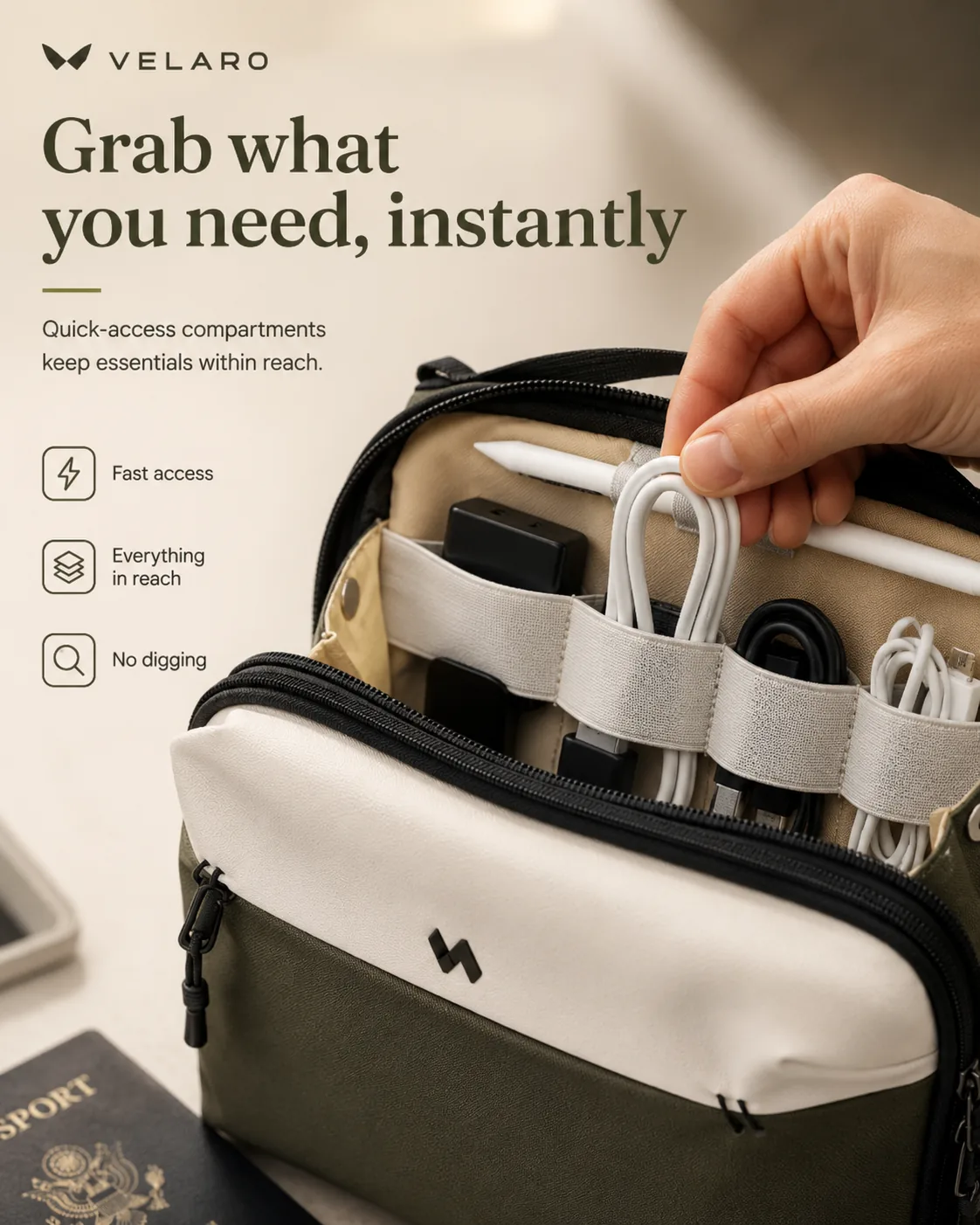
03 / 08
Buyer hesitation
How does the product solve that problem?
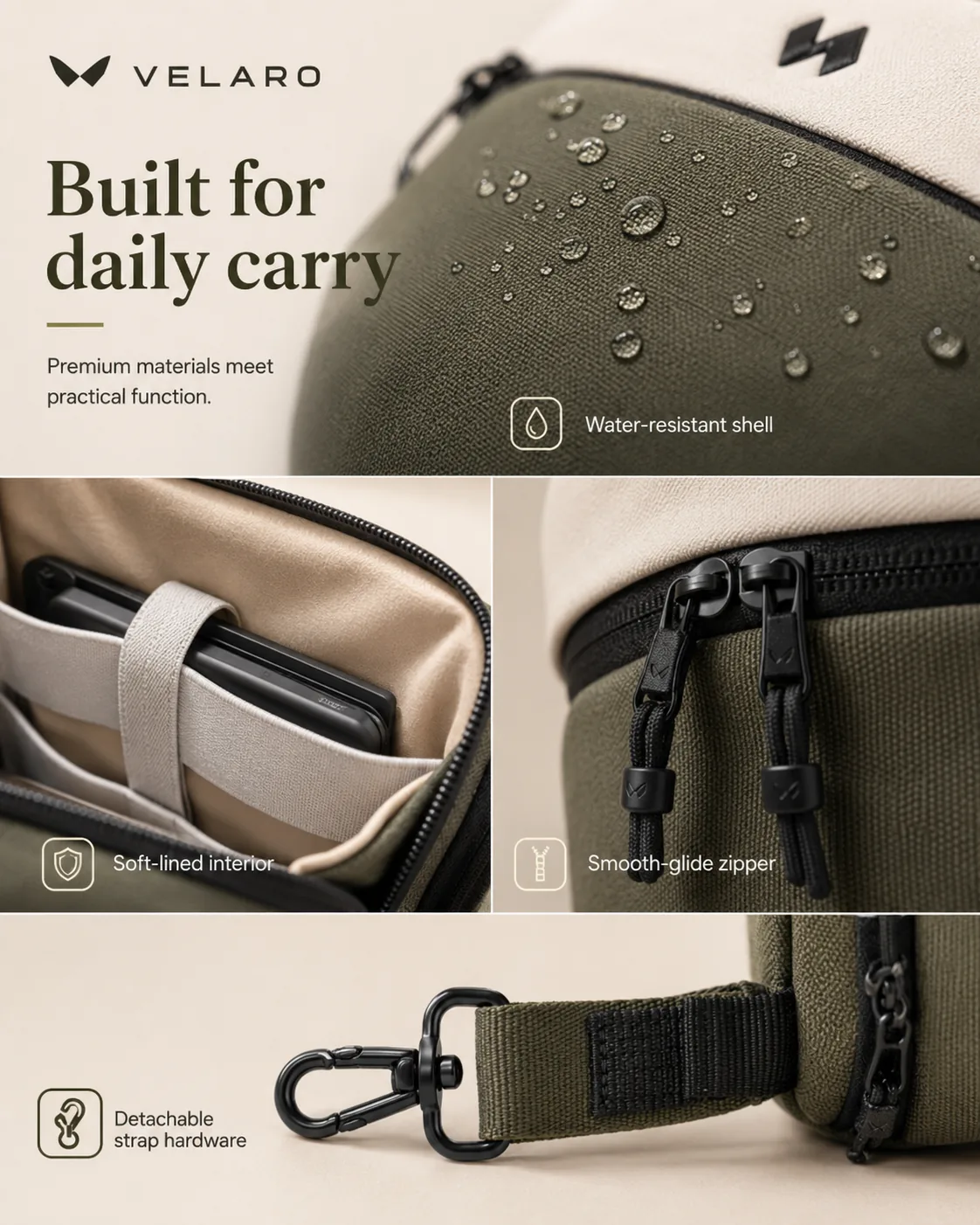
04 / 08
Buyer hesitation
What can I inspect more closely?
05 / 08
Buyer hesitation
Where does this fit into the buyer routine?
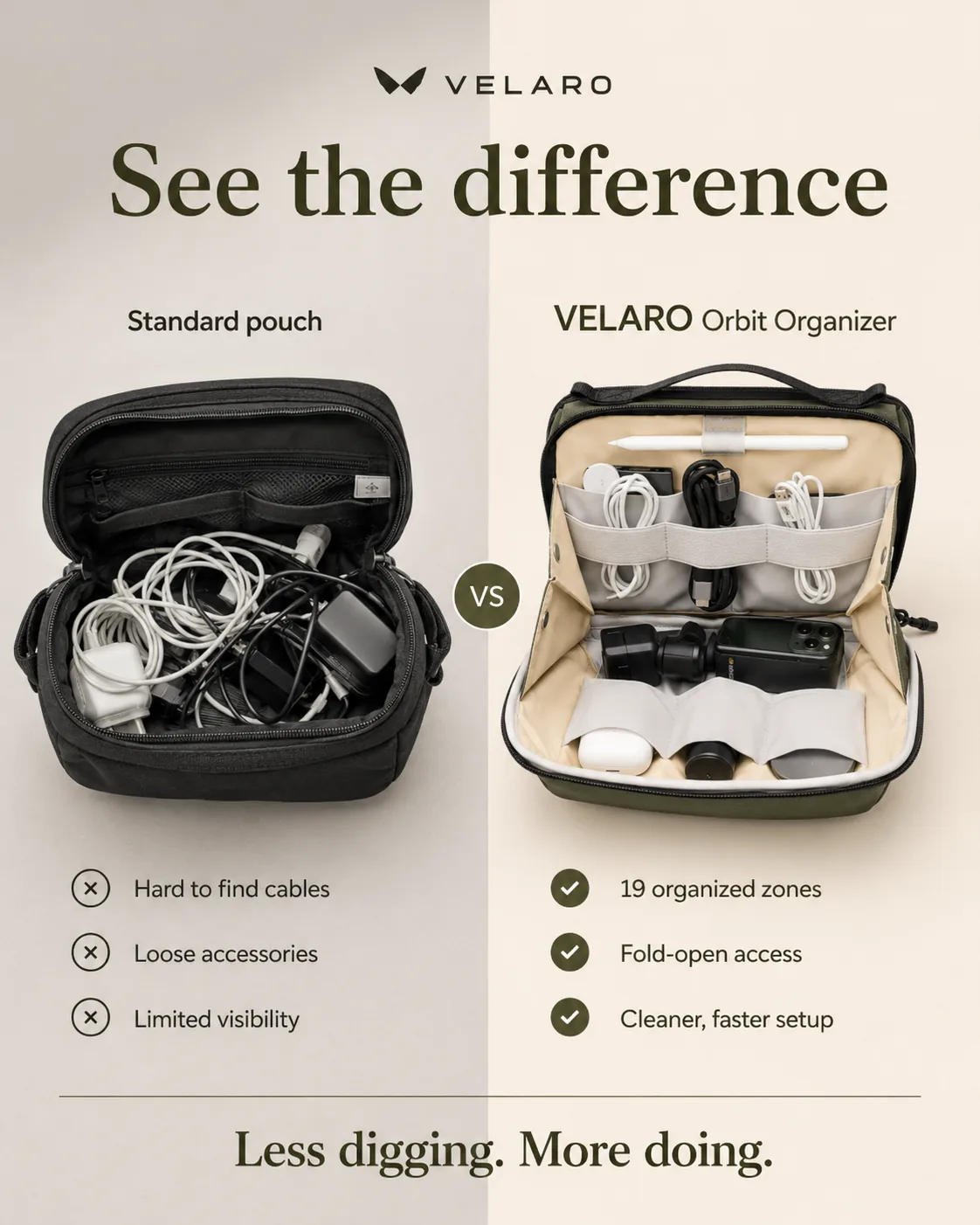
06 / 08
Buyer hesitation
What changes when the buyer actually uses it?
07 / 08
Buyer hesitation
What exact facts do I need before buying?
08 / 08
Buyer hesitation
What arrives and what support is real?
Keep the generator simple: source photos, seller facts, then reviewable product page images before credits are spent.
Start with product, detail, packaging, or use-context photos. The uploaded images define the product identity.
Write material, size, capacity, included items, care notes, exact copy, and claims to avoid.
Check module order, visible text, product accuracy, specs, and claim boundaries before image generation uses credits.
Plan preview
PDP images can explain a product with text, but the text must stay tied to the seller brief or visible evidence.
The same module ideas can support several ecommerce surfaces, but this page keeps the PDP workflow separate from gallery, marketplace main image, and ad creative tasks.
Best fit. Use the modules as flexible product-page sections, then check theme crop, mobile layout, alt text, and file size before publishing.
Some proof, feature, comparison, and spec ideas transfer, but the Amazon main image and Seller Central review stay on the Amazon workflow page.
Not the main job here. Use the ads and social pack or Shopify launch workflow when the asset needs feed, story, or campaign formatting.
product detail page image generator
A useful PDP image sequence usually includes a product-page hero, benefit or feature module, material and function proof, use scenario, detail close-up, safe comparison, spec sheet, and packaging or included-items module.
Start with the Product page visuals preset. It creates eight focused modules so sellers can keep the useful images and skip anything that does not fit the live product page.
Yes, PDP modules can include short visible copy when it helps explain a feature, use case, spec, or included item. Gallery and marketplace main images should stay separate from this workflow.
The workflow asks for seller notes and claim limits before generation. Specs, warranties, certifications, medical claims, guarantees, and competitor comparisons should only appear when the seller provides support.
Some ideas can transfer to Amazon secondary images or A+ style modules, but Amazon main image rules are a separate workflow. Use the Amazon page when the first listing image or Seller Central review is the main task.
Provide material, visible details, size or capacity facts, cleaning notes, included items, buyer use cases, exact phrases that may appear on images, and any claims the generator should avoid.
Upload source photos, add product facts, and review the PDP module plan before spending credits.