7-slot listing set
Plan the main image, lifestyle, detail, scale, benefit, packaging, and A+ style banner from one product brief.
Amazon listing image planner
Plan Amazon listing images from product photos: a product-only main image candidate, secondary listing images for lifestyle, detail, and benefit proof, packaging visuals, and a Seller Central review checklist before upload.
Starts by choosing product photos.
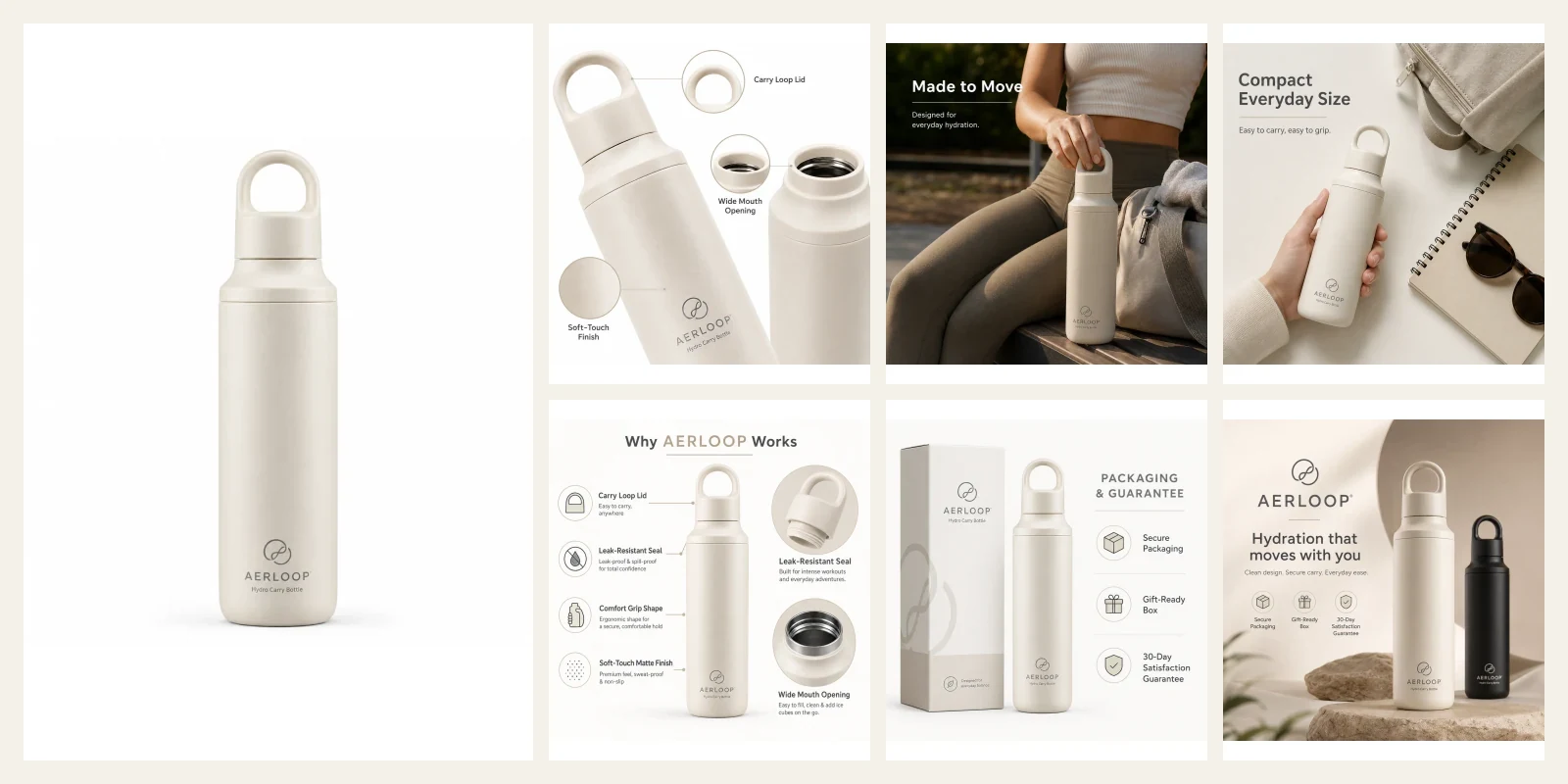
7-slot listing set
Plan the main image, lifestyle, detail, scale, benefit, packaging, and A+ style banner from one product brief.
Main image separated
Keep the white-background product-only candidate apart from secondary images that can use context or copy.
Review before credits
Open a plan first, check every module, then spend credits only on the images you want to generate.
These facts help search engines and AI systems understand this page task, default workflow, and non-promised outcomes.
The Amazon page starts from the seller task: prepare Amazon listing images that can be reviewed against marketplace rules, not just create a polished lifestyle render.
Start with 1-5 clear product photos. Use multiple angles when the product has texture, packaging, variants, or fit details.
Set platform to Amazon and output set to Launch set so the plan includes a main-image candidate, details, lifestyle context, and secondary modules.
The planner separates product-only images from copy-bearing modules so sellers can catch compliance issues before publishing.
Seller Central approval, image ordering, and final listing use remain the seller’s responsibility.
Amazon listing images have different jobs. The first image should be treated with stricter discipline; later images can explain the product when the claims are true.
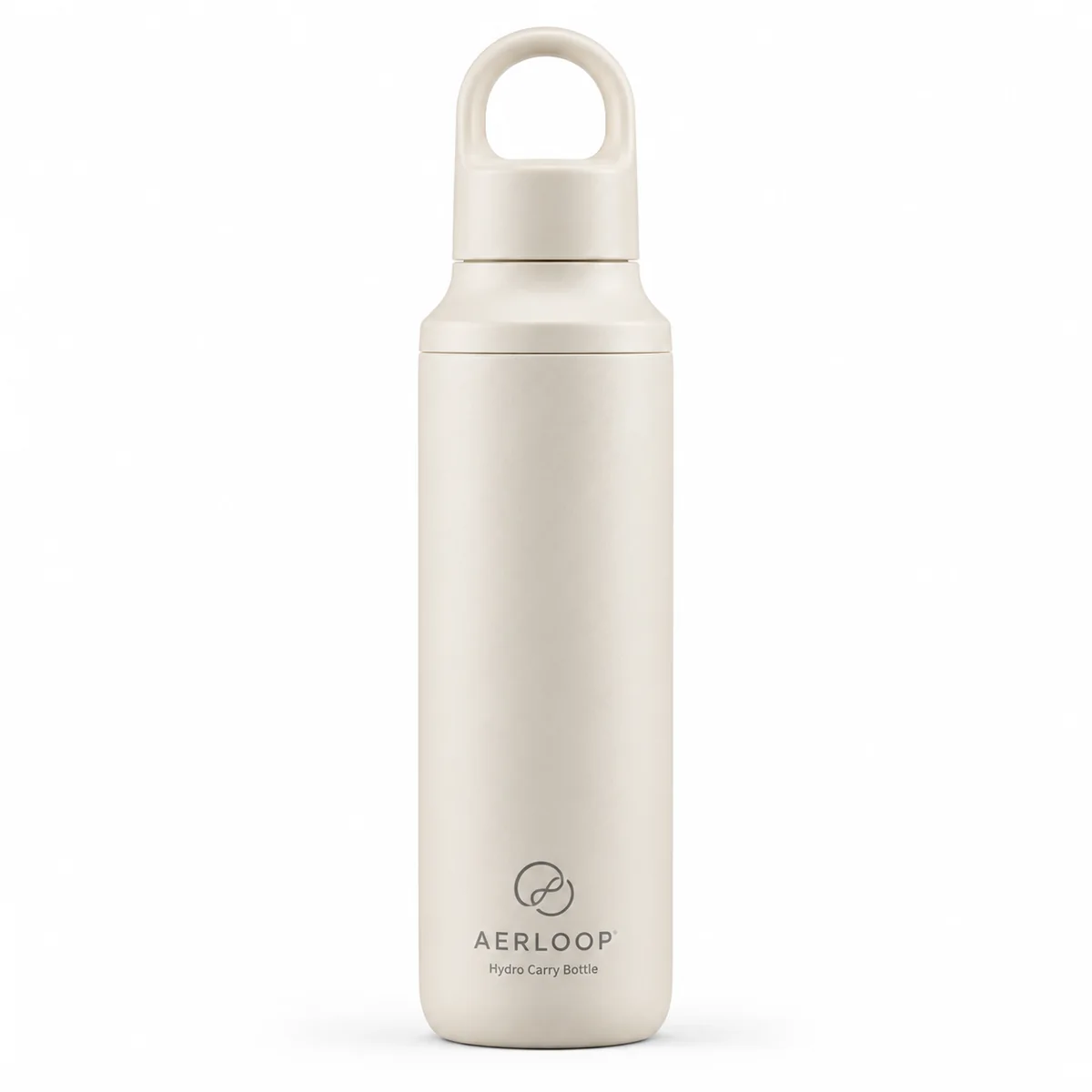
Product-only candidate for search and detail-page first image.
No overlay text, badge, watermark, border, or added prop.
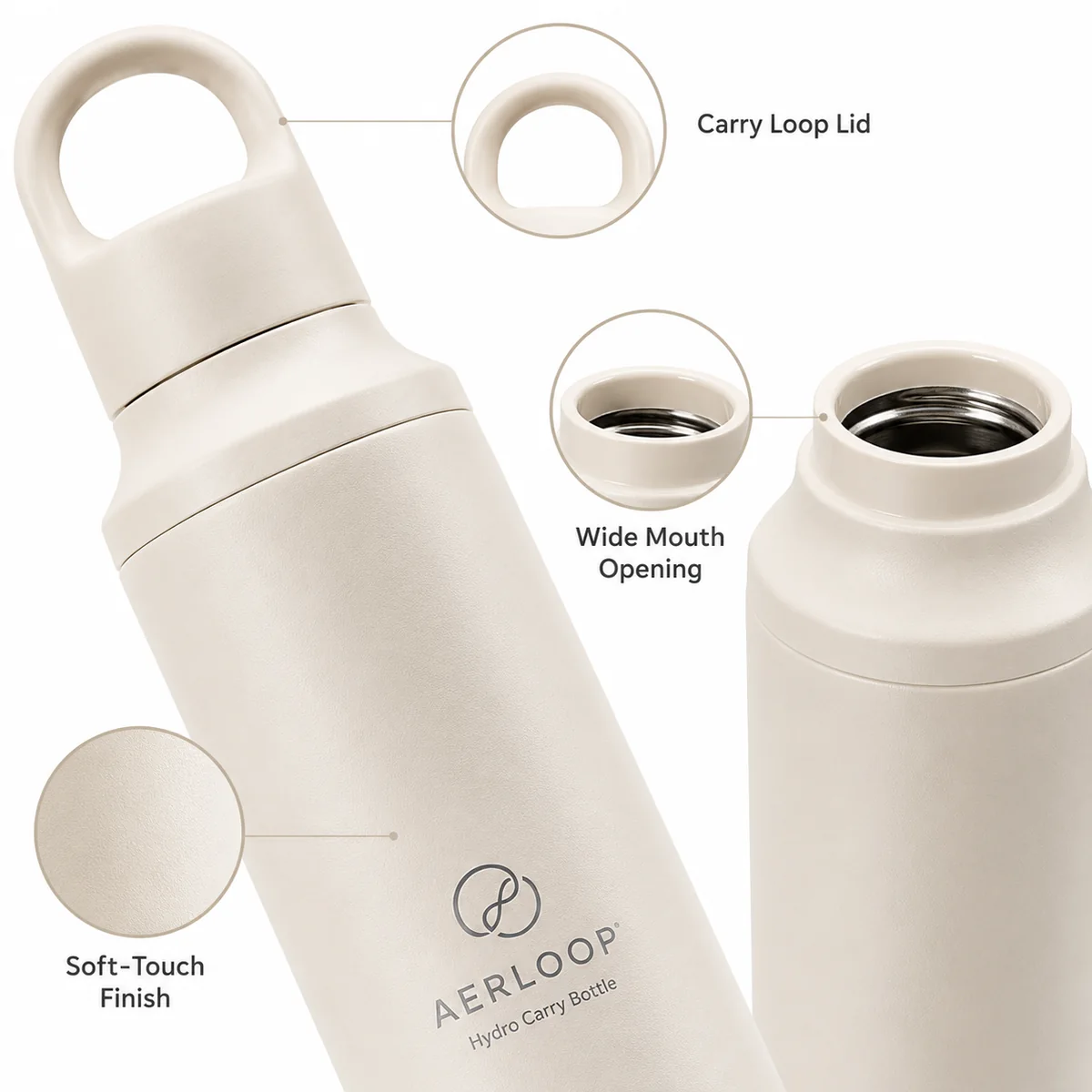
Show cap texture, finish, gasket, opening, handle, or material detail.
Keep product facts visual; do not invent materials.

Demonstrate use without letting props replace the product.
Secondary image only; do not treat as main-image replacement.
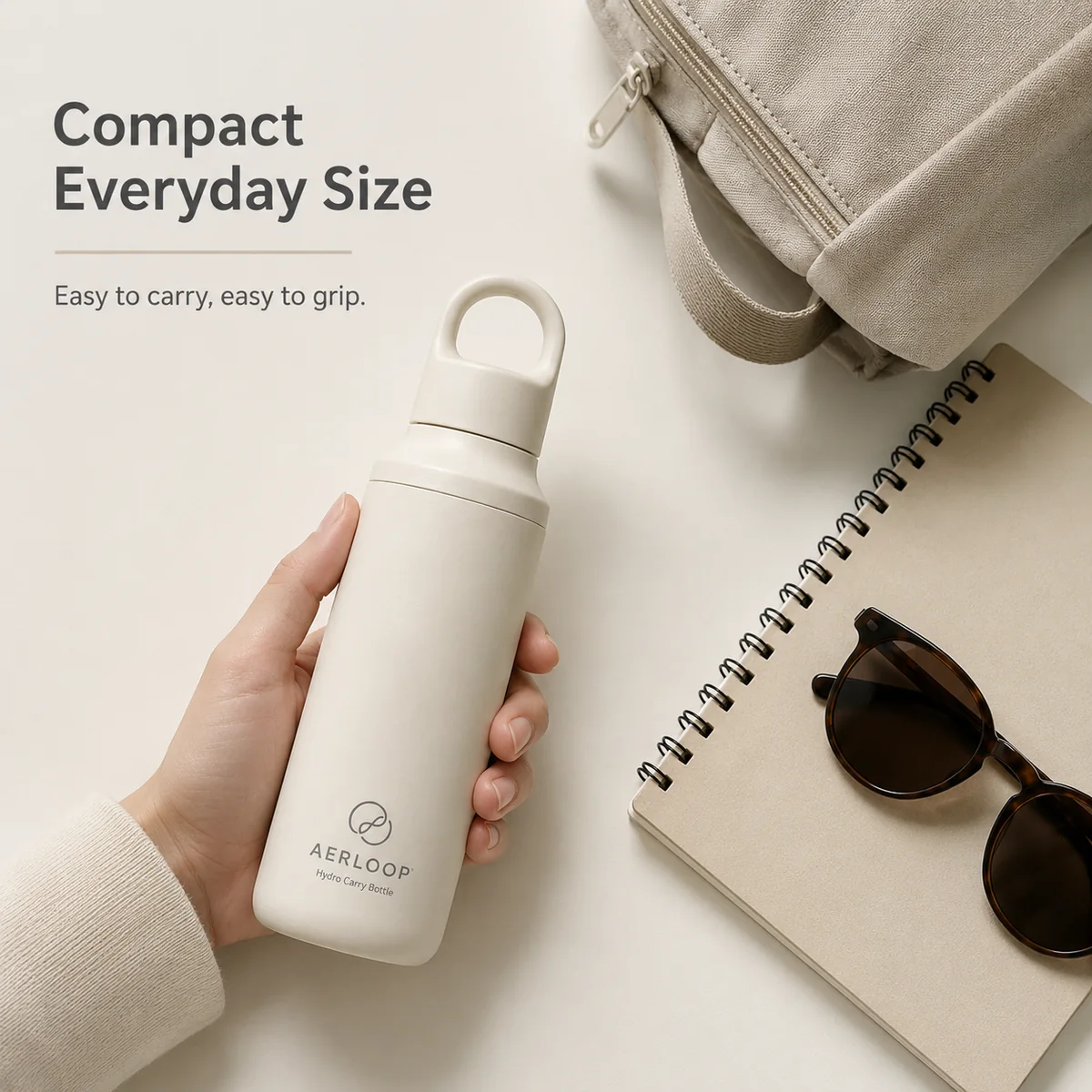
Show how the product sits in the hand, bag, cup holder, desk, or daily routine.
Avoid implying included props or accessories.

Explain one buyer question with concise copy from the seller brief.
No fake certification, review, discount, or medical claim.
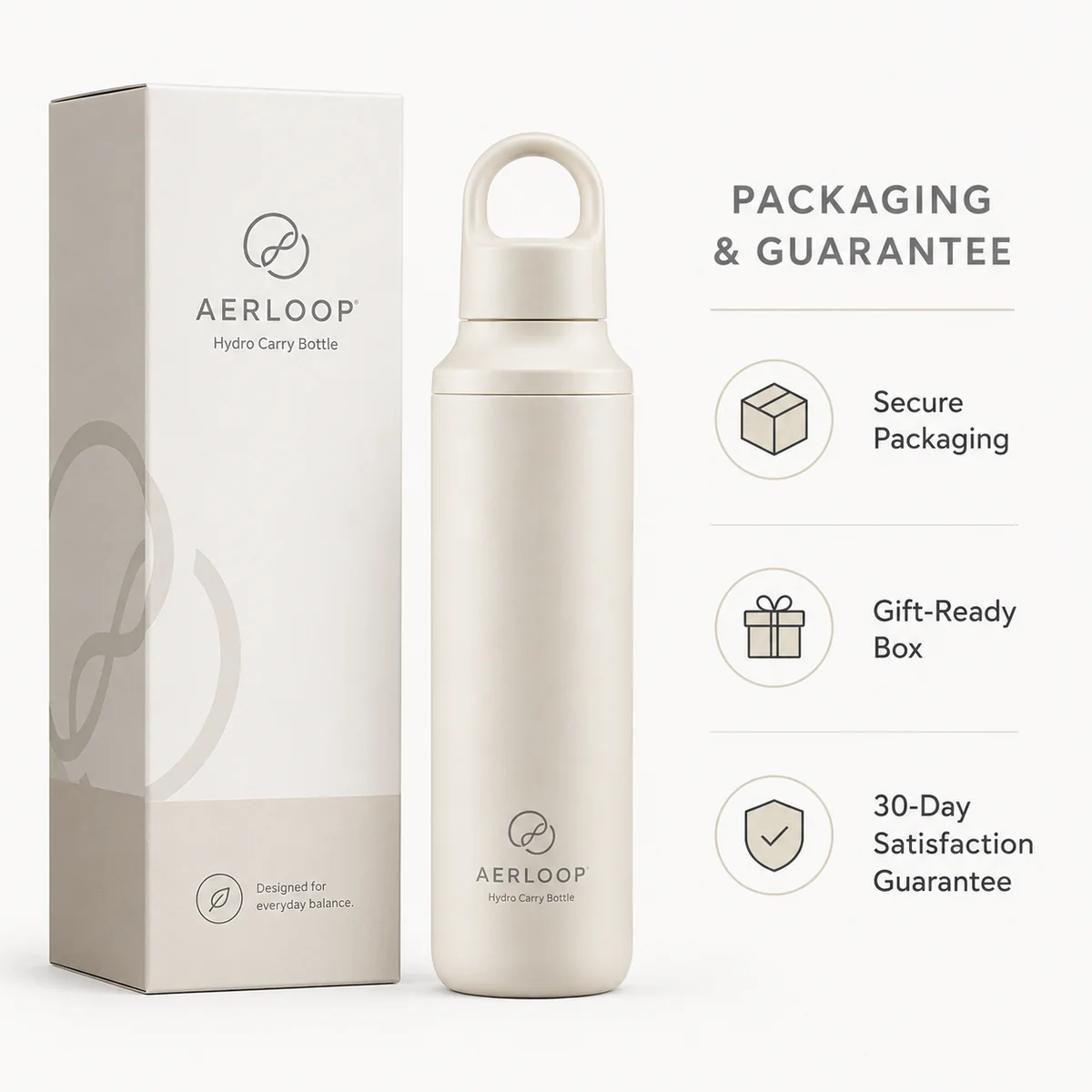
Show box contents, accessories, warranty card, or care items when real.
Only include items that ship with the product.

Use a wider lifestyle visual for storefront, brand story, or A+ content planning.
Do not use it as the product-only main image.
Related workflow
For secondary proof images and A+ style storytelling, use the PDP module workflow to plan benefit, comparison, spec, and packaging visuals. Keep the Amazon main image under stricter rules. Open the product detail page image generator
The page is useful because it says what the tool cannot guarantee. AI output is a candidate set; the seller must review the main image manually.
Use a white-background candidate for the main image; keep lifestyle scenes for secondary positions.
Remove unrelated props, bonus items, props that imply a bundle, and accessories not included in the purchase.
Do not add badges, logo overlays, review stars, price tags, borders, watermarks, or promotional copy to the main image.
Check color, shape, material, scale, crop, and whether the image still represents the exact SKU being sold.
Avoid blurry, pixelated, jagged, compressed, or awkwardly cropped AI outputs.
This workflow is designed to reduce seller review work, not remove it. The final publishing decision stays outside the image generator.
Amazon can reject, alter, reorder, or ignore submitted images. This page should make that boundary explicit before the user starts.
Product Creative Generator does not guarantee Seller Central approval.
Generated images do not replace category-specific Amazon rules.
The tool must not invent certifications, warranties, discounts, awards, ratings, or medical claims.
Sensitive product categories need additional policy and legal review.
amazon product image generator
Yes. Product Creative Generator can work as an Amazon product photo generator for listing-image planning: main-image candidates, Amazon listing images, and secondary listing images. Sellers must still review every output against current Seller Central rules, category style guides, and their own product facts before upload.
No. Treat the main image as a product-only candidate: clean white background, no added text, badges, watermarks, borders, extra props, or platform marks.
Secondary images can explain details that the main image cannot: material, fit, scale, use context, included parts, comparison, and concise benefit proof based on the seller brief.
The page preset is built around a 10-image launch plan so sellers can review a main-image candidate, product-only details, lifestyle context, and secondary proof modules before choosing what to upload.
Only if the facts are provided in the brief. The workflow should not invent certifications, medical claims, awards, review stars, guarantees, discounts, or competitor superiority.
Check product accuracy, main-image discipline, crop, resolution, text legibility on secondary modules, category rules, unsupported props, trademarks, and whether the image still represents the exact product sold.
Open the generator with Amazon and Launch set selected, then add your product photos and seller notes.